Planning and review
Reordering and receiving supplier orders
Turn alerts into reviewed order sheets and track the stock that is still due.
On this page
Review purchasing needs
Open Reorder to see eligible low-stock products grouped by supplier. Check quantities on hand and already on order before requesting more. Kits are handled through their components.
The suggestion normally aims at twice the low-stock threshold. A fixed reorder quantity takes priority; when you choose a coverage horizon and enough demand history exists, the target can use days of demand. Incoming order quantities reduce the need, and pack sizes round purchases up to orderable amounts.
Prepare and record the order
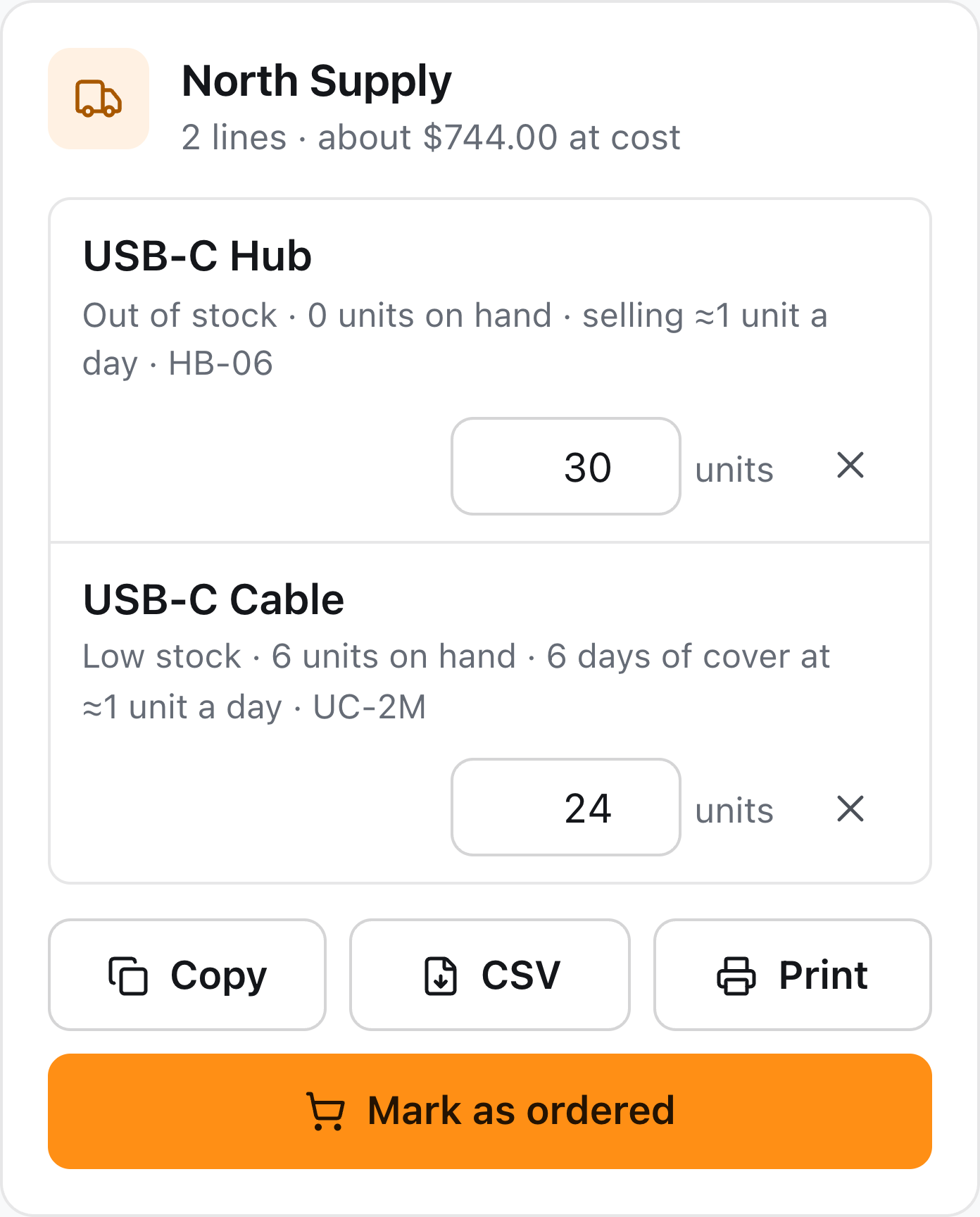
- Review each line’s quantity and supplier source.
- Copy, download CSV, print, or prepare an email order sheet.
- Send or place the order through your normal supplier process.
- Choose Mark as ordered to record the expected stock in Inventory.
Marking an order records it in the app; it does not itself send a purchase to the supplier or receive the stock.
Receive what actually arrives
Open the order and record the delivery. Use the receiving workflow for a full or partial delivery; check the destination and quantities. Remaining quantities stay due until received or closed.
If the supplier will not deliver the rest, close the remaining order short. Cancel orders that will not be fulfilled so incoming stock does not suppress a needed reorder.