Daily stock work
Locations, shelf codes, and replenishment
Find stock at each place and refill a short shelf from stock you already hold.
On this page
Name the places you count separately
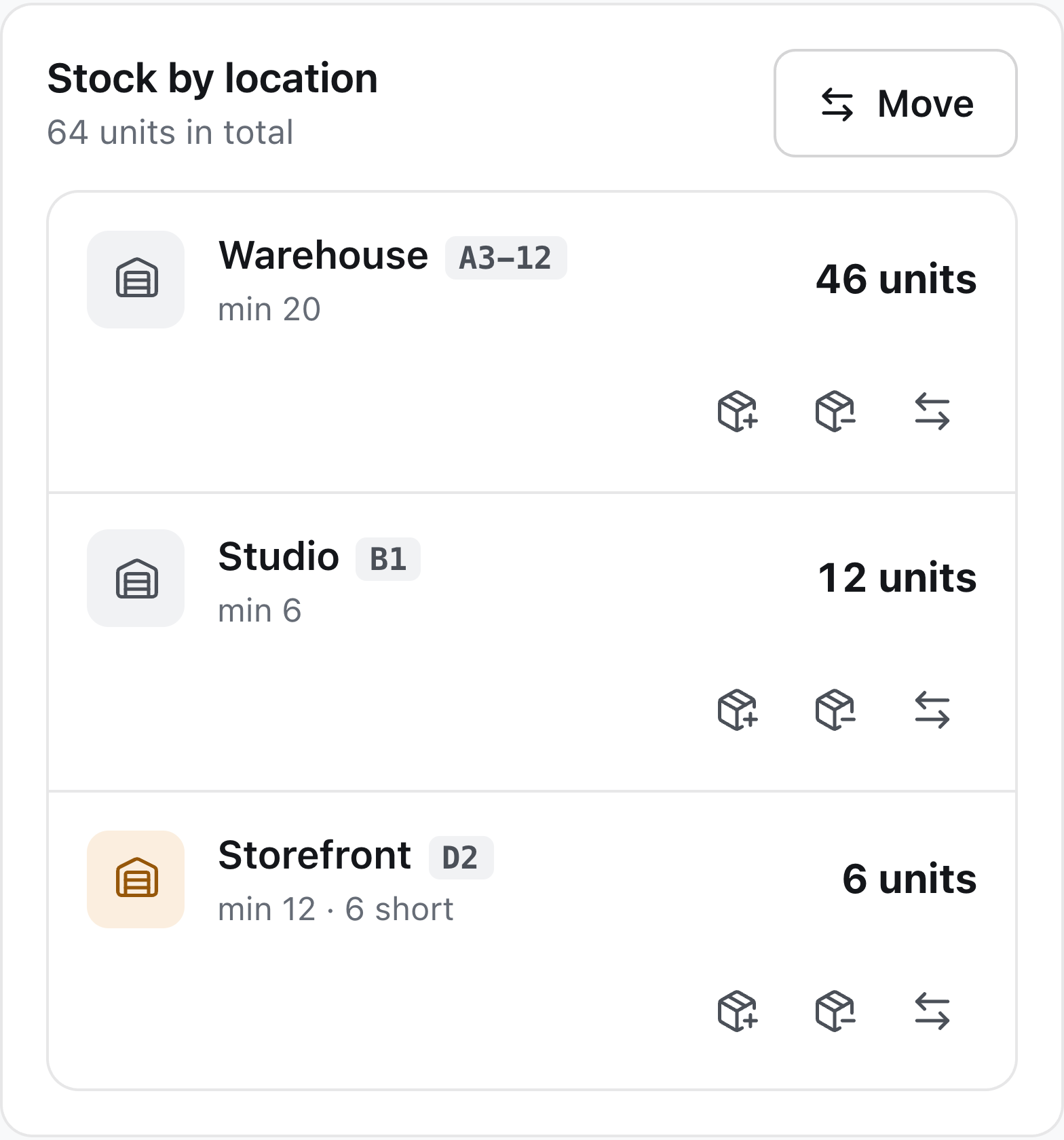
Create locations for stock held in a warehouse, shop, studio, or another physical area. On the product page, review the quantity at each place and assign an optional shelf code such as A3-12. Shelf codes are searchable and appear in stock dialogs, labels, and count sheets.
A shelf code describes where a product sits inside a location. It is not another quantity bucket: the location balance remains the quantity being tracked.
Set a minimum at the point of use
Set per-product minimums for places that should always hold a working quantity. A shop can be below its local minimum even when the business has ample stock in a warehouse.
Review replenishment before purchasing
Use the replenishment list to see which shortages can be filled from other locations. Review the source, destination, and suggested amount before making the move. Source minimums help identify stock that should stay where it is.
If existing stock cannot cover the shortfall, the list distinguishes a purchase need from a transfer. Receiving new stock and moving existing stock have different effects on your total quantity.